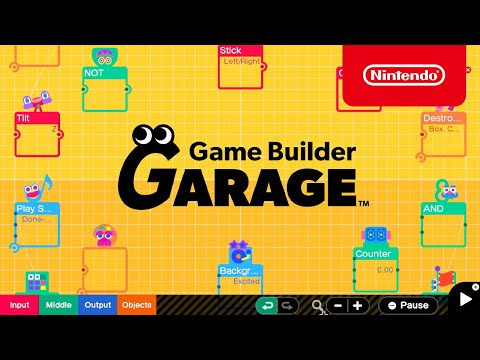
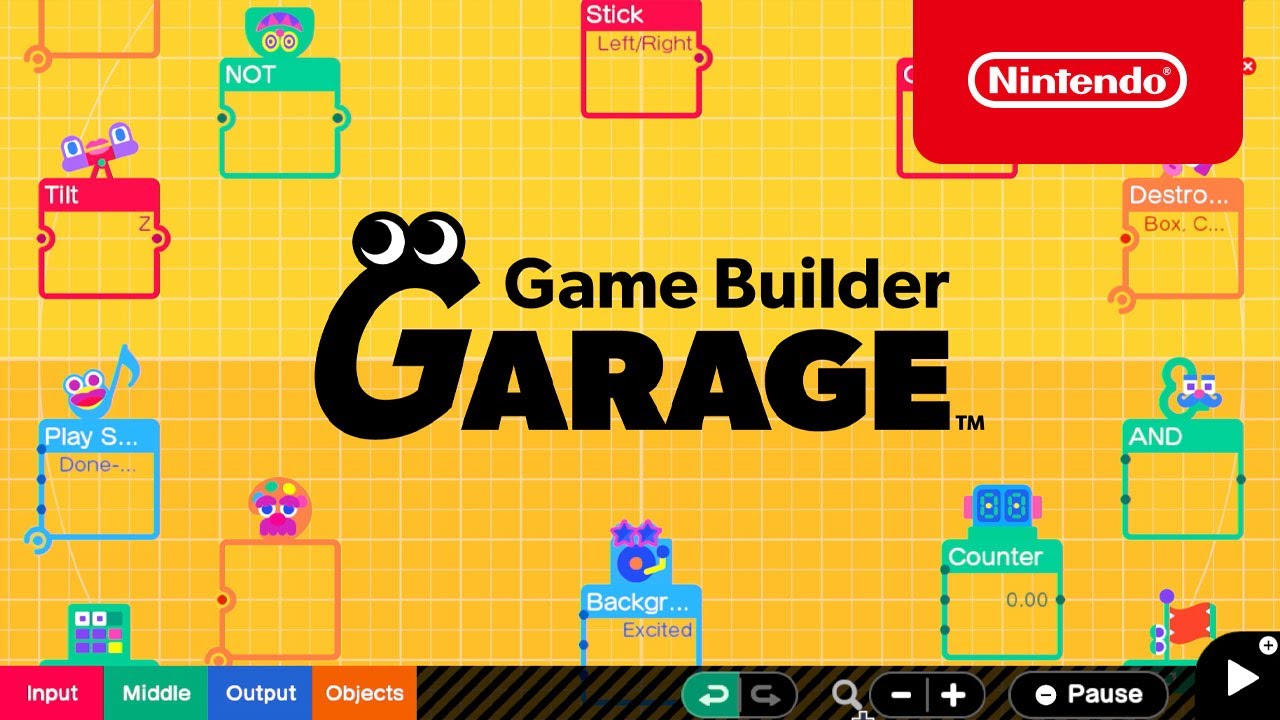
You connect colorful nodon icons on a grid to build your own simple games, where each nodon represents a piece of logic like a button press or a moving object. The lessons walk you through creating things like a tag game or a shooting gallery step by step before letting you experiment freely. It takes real patience to get comfortable with, since you are learning programming concepts even though there is no code to type.
Gameplay video
More Game Builder Garage gameplay on YouTube →Ready to play Game Builder Garage?
Grab a physical or digital copy from Amazon — prices and availability update live.
This is an affiliate link. As an Amazon Associate we earn from qualifying purchases, at no extra cost to you.
Screenshots & review notes
The short version
Nintendo's pitch of teaching kids to code through cute little Nodon characters actually works, and it's charming enough that adults get hooked too. It falls short as a serious engine, but that was never the point.

In the hands
You wire together logic blocks to build platformers, shooters, even simple 3D games, and the drag-and-connect interface never feels like homework. Complexity creeps in gradually and rewards patience.

Look and sound
The visual language is bright and friendly, all smiling nodes and soft chimes, which keeps what is essentially a programming course from feeling clinical.

The long haul
Best suited to curious kids or anyone who's ever wondered how games are built under the hood. Sharing creations online adds legs, though the ceiling for advanced creators is lower than you'd hope.
Frames captured from the gameplay video above; notes are our own take on the game.
What it's like to play
You are taught to build your own games using small character-like icons called nodons, each one handling a single job like reading a button press, moving an object, or checking if two things touched. Dragging lines between nodons connects them, so plugging a button nodon into a person nodon's movement input literally teaches you how input and character control are linked under the hood. The guided lesson mode walks you step by step from building a simple game of tag all the way up to a basic 3D platformer, explaining each new nodon with humor and clear examples as you go. Everything happens through simple pointing, dragging, and menu selection, so no prior programming knowledge is expected going in.
Once you finish enough lessons, Free Programming mode opens up completely, letting you place any nodon anywhere and build whatever you can imagine within the connection limits the game allows. Dedicated creators have used this freedom to build surprisingly complex projects, including first-person shooters and functioning role-playing games, purely from these building blocks. A single guided lesson takes perhaps twenty to forty minutes, while building a substantial original game from scratch can take many hours spread over multiple sessions. Small quizzes after each lesson check that you actually understood the concept rather than just clicking through.
Session to session, this rewards patience and curiosity, and the payoff of watching your own small creation actually run is genuinely satisfying. What might frustrate you is that sharing your creations only works by typing in a specific game ID rather than browsing a library of other people's work, which makes discovering community creations harder than it should be. It is a quiet, rewarding pick for curious kids or adults who want to actually understand how games are built rather than just play them.